

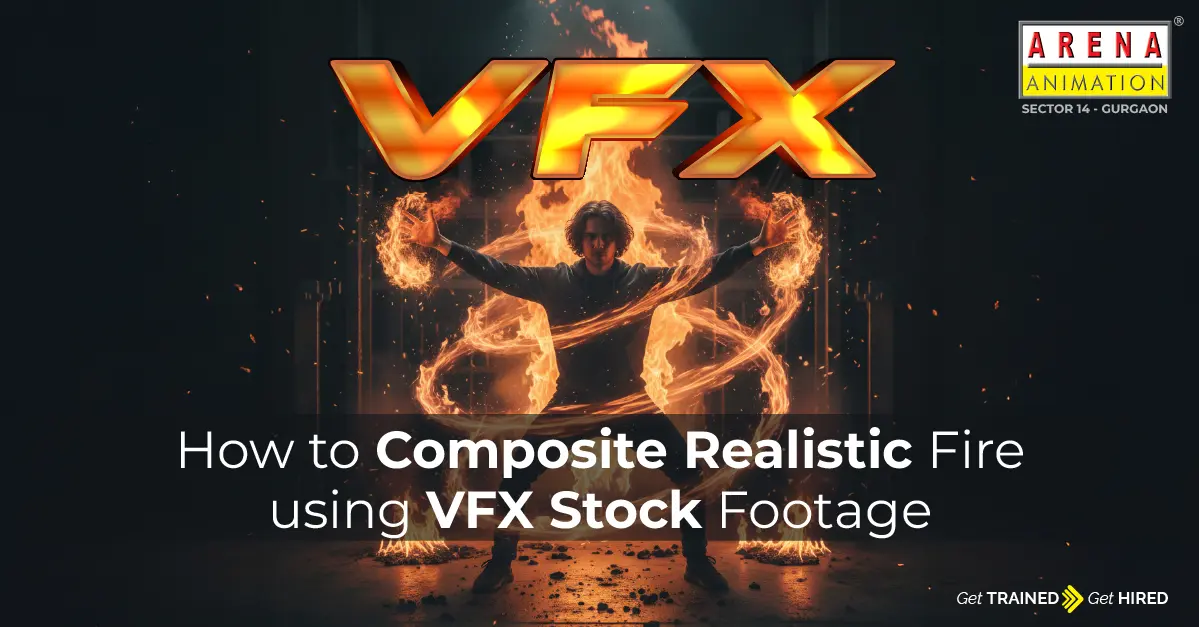
Giving the realistic fire effect to your project is not as tough as it seems. Whether you are doing practice or working on a real-time project, creating realistic fire VFX doesn't just imply expensive simulations.
If you know the right approach, using the right VFX stock asset you can easily make realistic fireworks footage. You will learn how to create realistic fireworks in this article using only ActionVFX stock elements.
Step-by-Step Guideline To Composite Realistic Fire
Using VFX stock footage, you can create realistic fire for your project. You can follow the steps defined here carefully for the same:
1). Choose the real Fire Footage
Assuming you need to composite realistic fire soon. Then you must skip the simulations and choose the real fire footage instead. They were captured with real cameras with a black background that gives it a realistic view.
2). Create the illusion
Now that you have perfectly picked up the realistic fire footage, add the movements in it according to the environment. If there is a camera movement in your scene then a still fire image couldn't look realistic. Using the software: After Effects, Nuke, Blender, and Resolve provides built-in 3D tracking tools for such situations.
3). Rotoscoping in fire composites
The flames of the fire need to blend with the scene. Rotoscoping will help you in fire composite and give you a more realistic fire scene. For a fast-moving flames scene, roto needs to be kept loose for a better view.
4). Subject reacts to the fire composite
The fire composite starts working as expected but what if your subject doesn't react to it? It also needs to react as per the flames’ movements, for eg., a particular subject needs to light when it comes in contact with the fire. You can use DaVinci Resolve Studio for this purpose.
- Isolate the subject by generating the Depth map.
- Then the scene will get exported as two delight maps- from left and right.
- It is now prepared to simulate firelight wrapping around the subject.
- Now add the blend mode for delight maps in After Effects.
- To match the flame source, tint each layer with a warm fire hue.
- At last, apply thewiggle expression to the opacity to simulate the flickers of real fire.
After that, you will see that the warmth will perfectly blend with the subject and it will look more realistic.
5). Add the Glow pass
Till now, fire flames have perfectly blended with the subject and the scene. However, a slight softness can still be noticed. A glow pass helps enhance the intensity and creates the illusion that the actor is actually being affected by the light and heat of the flames. This step works best after proper compositing and lighting adjustments, as it draws the audience’s attention to the realism of the fire interaction.
6). Generate the real behaviour of fire
To achieve a truly realistic result, you must understand how real fire behaves. Fire naturally produces distortion (heat waves), sparks, and smoke. Distortion creates the rising heat effect, sparks add dynamic movement, and smoke gives volume while softening the edges of the flames. These elements are essential in professional compositing workflows taught in advanced Animation programs and practical Digital Content Creation & Motion Graphics training.
Make sure the distortion intensity matches the heat level of the fire in your shot. Overdoing it can break realism, while subtle adjustments can significantly enhance believability.
7). Build your composite first
Instead of adjusting every fire clip separately, it’s better to build a unified composite first. When artists work layer by layer without a structured approach, it often leads to inconsistency. Creating a master composite allows you to apply unified color grading and maintain visual harmony throughout the shot.
This workflow is commonly practiced in Broadcast and professional Graphic, Web & UI/UX pipelines where consistency and visual storytelling matter the most.
The tools used to composite realistic fire using VFX stock footage include Nuke, After Effects, Blender, and DaVinci Resolve. These tools follow intuitive drag-and-drop systems and are also widely explored in industry-focused Gaming and VFX production workflows to create high-end cinematic visuals.
Conclusion
Simulation can also be used to composite realistic fire footage, but it is often more time-consuming and may sometimes lead to less realistic results. By following the steps explained in this article, you can clearly notice improvements at every stage and build a fire scene that blends naturally with the movement and environment of your shot.
These advanced compositing techniques are commonly taught in structured programs like the VFX Filmmaking course, Advanced VFX training, and specialized VFX Compositing programs, where students learn how to create production-ready fire effects for films, ads, and digital content.
Frequently Asked Questions (FAQs)
Q1. How to create realistic fire light flicker?
A- Create a duplicate fire layer and blur it. Mask it with the nearby surface and reduce the opacity.
Q2. How to add heat distortion?
A- You can use the displacement map for a blurred version of the fire. Don't forget to keep the distortion subtle so that real waves are visible but not extreme.
Q3. Why does my fire composite look fake?
A- There can be many reasons like- Fire brightness isn't properly blended in the scene, or poor layering, etc.