

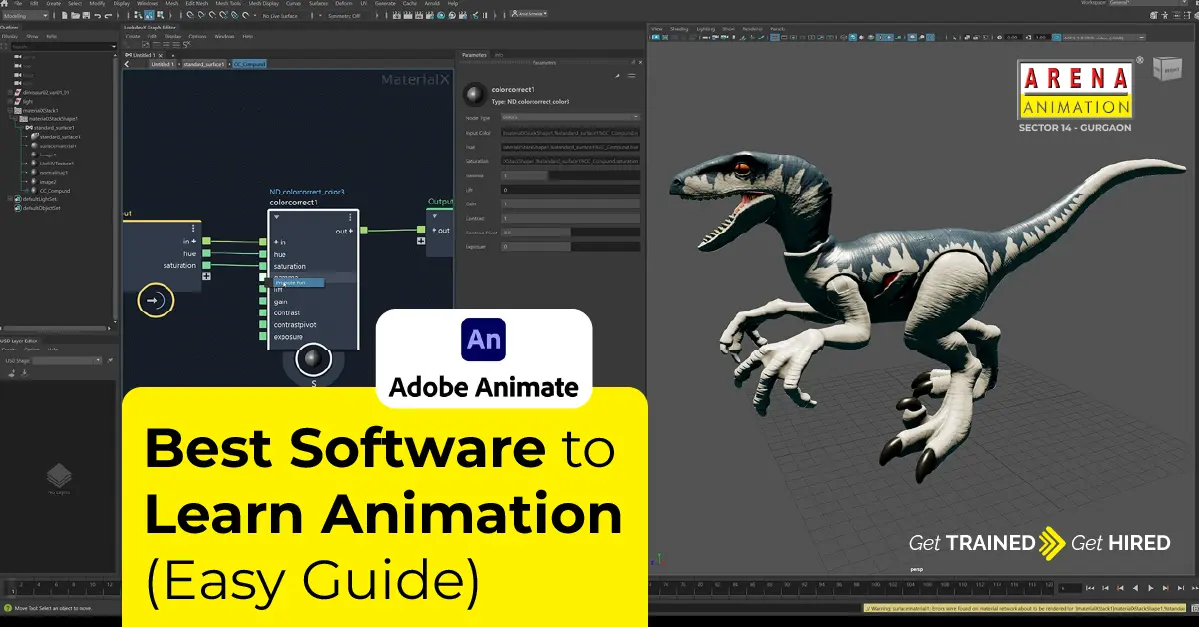
If you want to learn animation, the first thing you need is good and simple software. Not expensive. Not confusing. Just something that feels easy to use and comfortable. When software is easy, learning feels fun. And when learning is fun, you stay motivated and don’t quit halfway.
Animation simply means making still pictures move. Cartoons, movies, games, reels, ads — everything begins with small movements. To create these movements, you need the right tools. If you’re starting your journey with a good Animation Course in Gurgaon, choosing the right software makes learning smoother and faster.
Let’s break down the best animation software for beginners in the simplest way possible.
Adobe Animate
Adobe Animate is one of the best choices for beginners, especially if you like cartoon animation and 2D videos.
You can easily:
- Draw characters
- Move objects
- Create smooth animations
- Make YouTube videos and explainer content
The interface is friendly and easy to understand. Many beginners and students use Adobe Animate to create cartoons, short films, and digital stories.
Toon Boom Harmony
Toon Boom Harmony is widely used by professional animation studios around the world. It offers powerful tools for character movement and detailed animation control.
It gives:
- Smooth character animation
- Advanced rigging tools
- Professional workflow features
It is powerful, but not very beginner-friendly. Most learners first build their basics and then move to Toon Boom when they want professional-level control.
Blender
Blender is one of the most popular animation tools today, mainly because it is 100% free and extremely powerful.
With Blender, you can do:
- 3D modeling
- 3D animation
- Lighting and rendering
- Visual effects
- Video editing
At first, Blender may look complicated, but once you understand the basics, it becomes a complete creative playground. Thousands of free tutorials online make learning easy and accessible.
If you want to master advanced 3D skills, exploring programs like Digital Graphics with Blender can give your career a strong boost.
Autodesk Maya
Maya is used in high-end movies, games, and VFX studios. It is known for its advanced modeling, animation, and rendering tools.
This software is:
- Highly advanced
- Not beginner-friendly
- Used mainly by professionals
Most students start with Blender and later shift to Maya when they reach advanced levels. If your goal is working in film or gaming studios, Maya is a great tool to learn.
Many students choose structured learning paths like Graphics with Maya to build professional skills.
Cinema 4D
Cinema 4D is perfect for motion graphics. If you love creative visuals, animated logos, ads, and text animation, this software is a great choice.
It is popular for:
- Animated logos
- TV commercials
- Text animation
- Creative visual effects
Cinema 4D is easier to learn than many 3D tools and gives fast results, making it a favorite among motion designers.
After Effects
After Effects is widely used for video animation, motion graphics, and social media content.
It is best for:
- YouTube intros
- Instagram reels
- Text animation
- Animated ads
Most digital ads, short videos, and reels are created using After Effects. If your interest is content creation and motion design, this software is essential.
Pencil2D
Pencil2D is a simple and lightweight tool, perfect for absolute beginners and students.
It is great for:
- Frame-by-frame animation
- Sketch-based animation
- Learning animation basics
If you want to understand how animation really works, Pencil2D is a perfect place to start.
Which Software Should You Start With?
Keep it simple:
- Like cartoons? → Adobe Animate
- Like 3D movies or games? → Blender
- Like videos, reels, and text animation? → After Effects
Don’t overthink. Pick one and start learning.
How Long Does It Take to Learn Animation?
- Basics: 3 to 6 months with regular practice
- Professional level: 1 to 2 years
There is no shortcut. Practice and consistency make the real difference.
Career Options After Learning Animation
Once you build your skills, many creative paths open up:
- 2D Animator
- 3D Animator
- Motion Graphics Designer
- Game Animator
- VFX Artist
- Freelance Animator
- Content Creator
In animation, skills matter more than degrees. A strong portfolio and creative thinking take you far.
Final Thoughts
Animation is not about big software. It’s about patience, practice, and learning something new every day. Start small, make mistakes, and improve slowly. Over time, your work will speak for itself.
If you’re serious about learning animation, choosing the right Animation Institute and practical training programs like Unreal Engine courses can help you grow faster and smarter.